

The project itself :
Project Overview
The Service and Maintenence Management System is a cross-platform service management product designed to simplify complex operational workflows for both back-office and field users.
The system delivers role-based experiences through a web platform and mobile applications, focusing on clarity, usability, and real-time task visibility.
The design emphasizes streamlined user flows, reduced cognitive load, and practical interfaces optimized for real-world field operations.
The platform consists of the following main components:
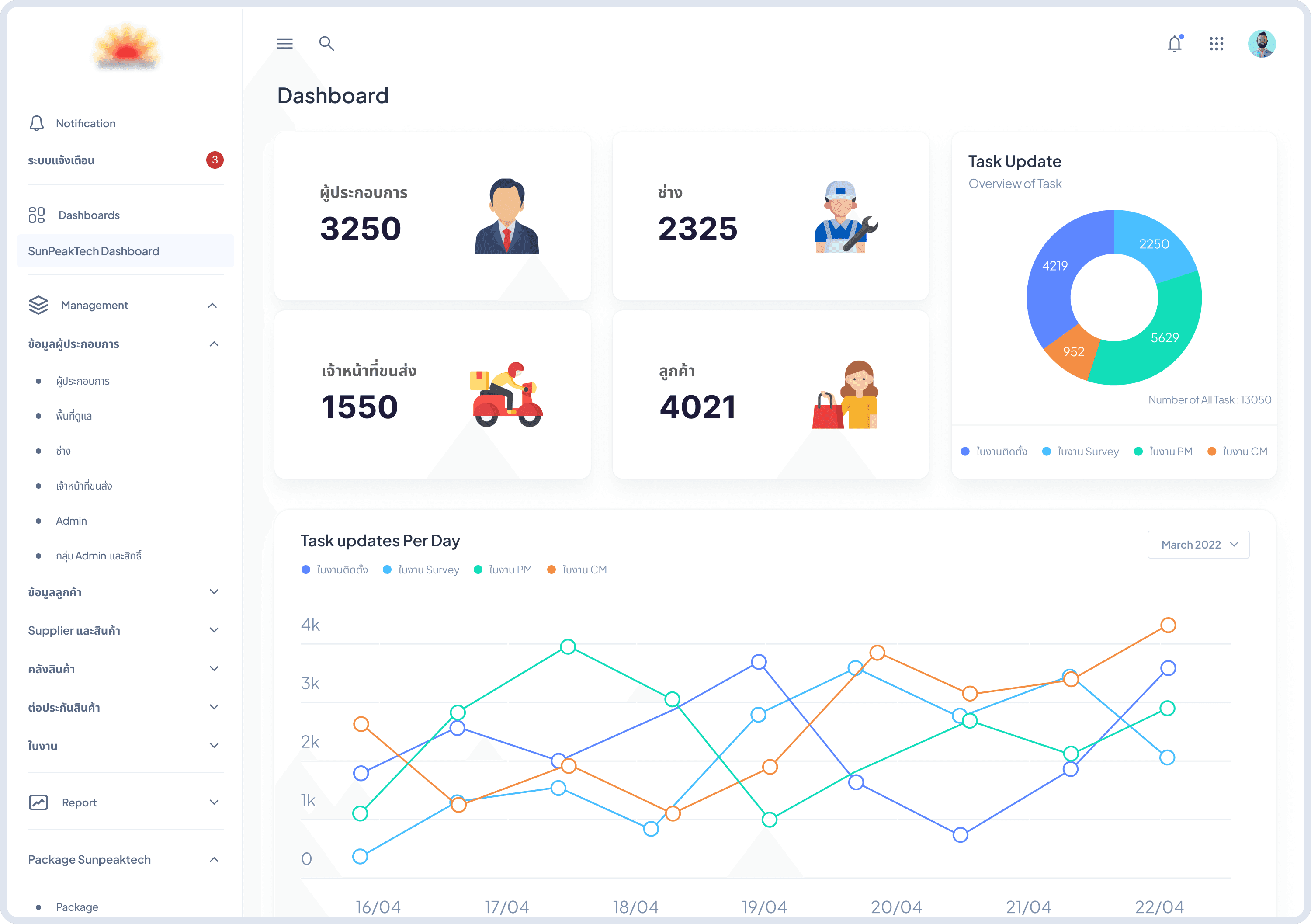
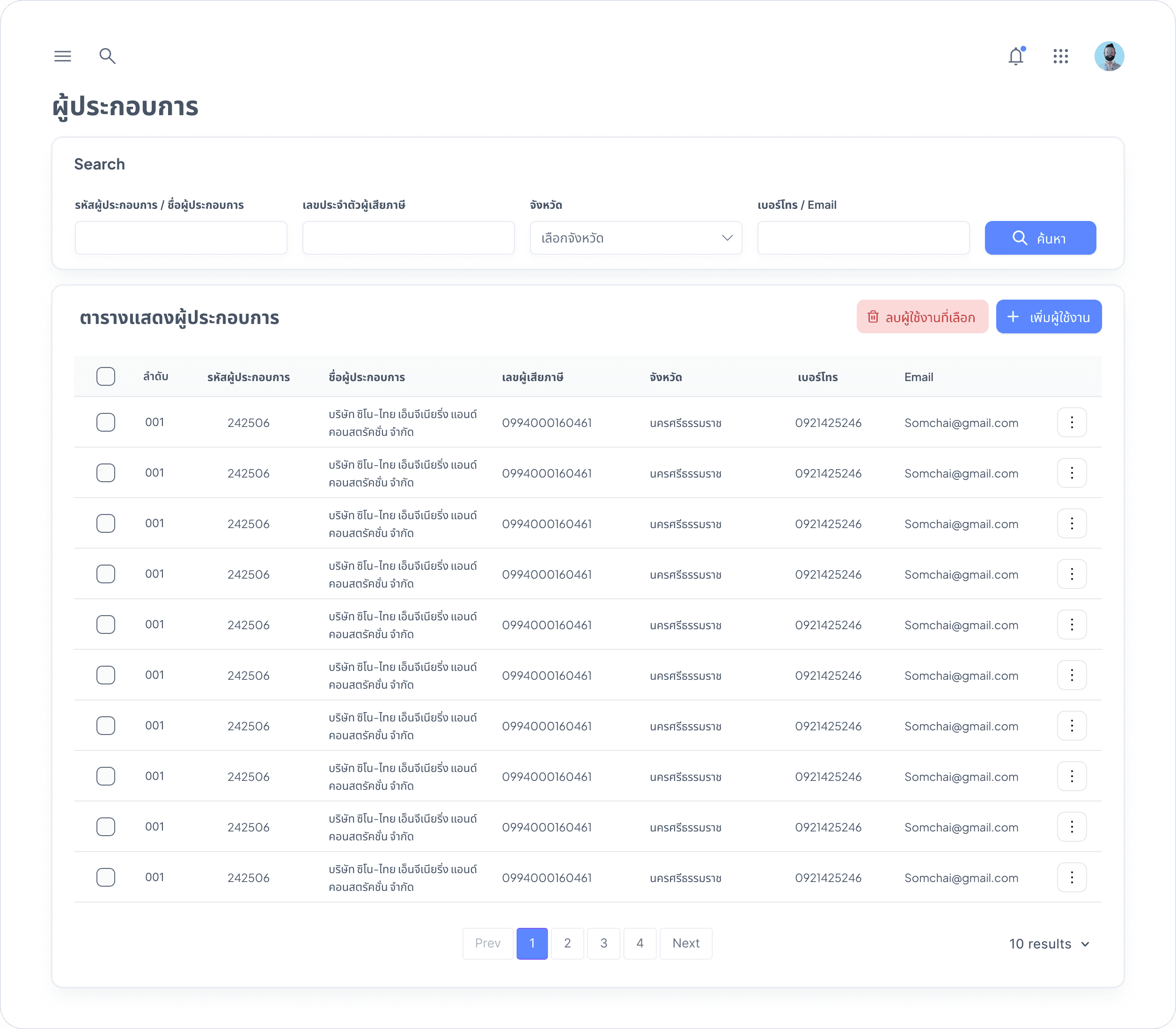
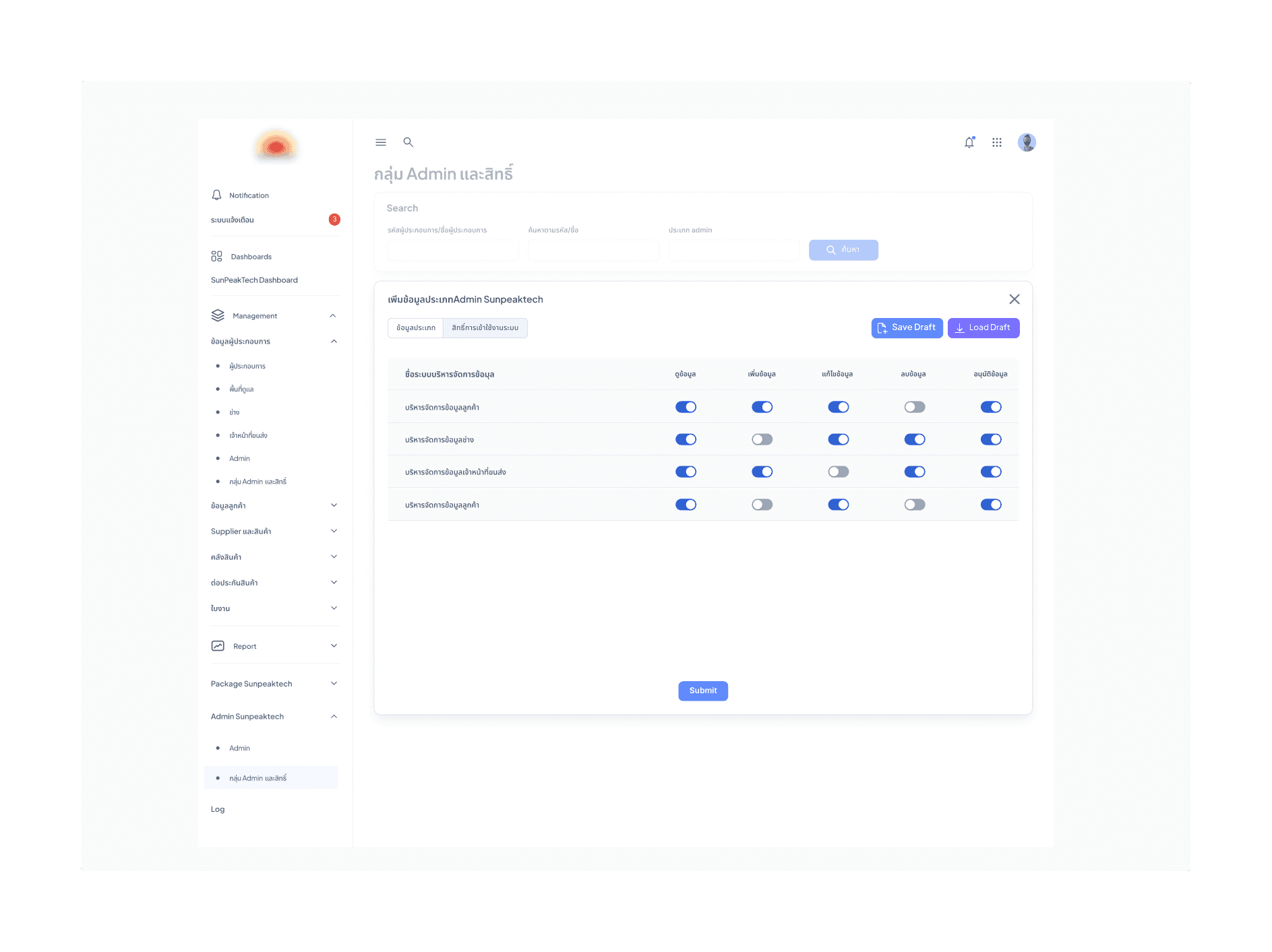
Web Admin Portal – For administrators and management to configure master data, manage service jobs, inventory, contractors, and view dashboards and reports
Mobile Application (Field Service) – For technicians to receive assigned jobs, update job status, record on-site information, and receive notifications
Mobile Application (Warehouse & Delivery) – For warehouse staff and delivery personnel to manage stock, delivery tasks, and service-related logistics
Problem:
The old NAD portals featured an inconvenient and non-functional interface, hindering efficient access to laboratory data.
Goal:
Design a unified, role-based system that simplifies complex service workflows, improves task visibility, and enables users to complete critical actions efficiently across web and mobile platforms.
My role:
Lead UX/UI Designer
Responsibilities:
Defined user flows and information architecture across multiple user roles
Designed low- to high-fidelity wireframes and UI components
Collaborated closely with product owners, developers, and stakeholders
Iterated designs based on feedback and real operational constraints
The clear version :
Design Process
In the initial 1–2 months, the focus was on establishing a clear system architecture and designing the service workflow—from stock intake to job completion. Later, we shifted to delivering detailed features using Scrum methodology, working in sprints to test and refine features while communicating closely with developers and the business team.

Research
To understand real user needs, I interviewed two key user groups: System Administrators and Field Technicians/Sub-contractors.
Field Technicians wanted mobile tools to receive work orders, report installation progress, attach site photos, and manage Preventive Maintenance (PM) schedules on-site.
System Administrators needed a centralized dashboard to track stock levels, assign tasks to various sub-contractors, and generate automated compliance reports for auditing
We also reviewed the interface clarity for high-stress environments. For example, status indicators (e.g., "Pending," "Overdue") must use high-contrast colors to ensure technicians can quickly prioritize tasks while working in the field.
Key Findings
Service workflows were fragmented. Some installation tasks had overlapping data requirements but lacked a unified reporting format across different sub-contractors.
PM scheduling required automation. Users needed a system that automatically triggers maintenance alerts based on predefined cycles to prevent equipment failure.
On-site reporting required offline support. Technicians often work in areas with poor connectivity, requiring a flexible design for data entry that syncs once back online.
Resource tracking was manual. Admins struggled to track which technician was assigned to which site, leading to scheduling conflicts and delayed service.
Documentation had to be standardized. Poorly structured checklists led to incomplete service reports; a clear, step-by-step digital form was essential.
Collaboration tools were missing. Staff needed a way to share real-time updates and export detailed logs for billing and performance analysis.
Mockups
These are a high fidelity design that represents a final product
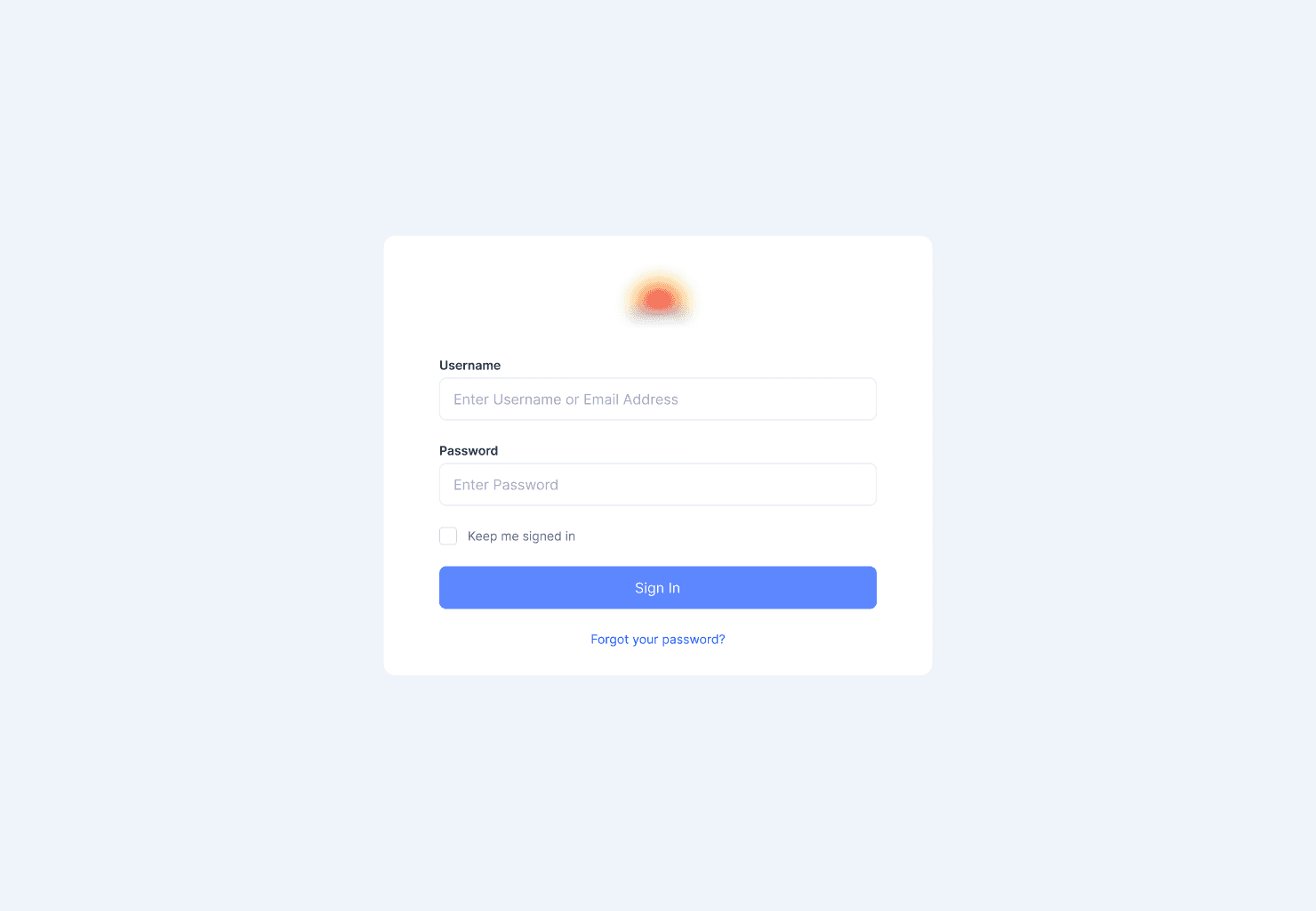
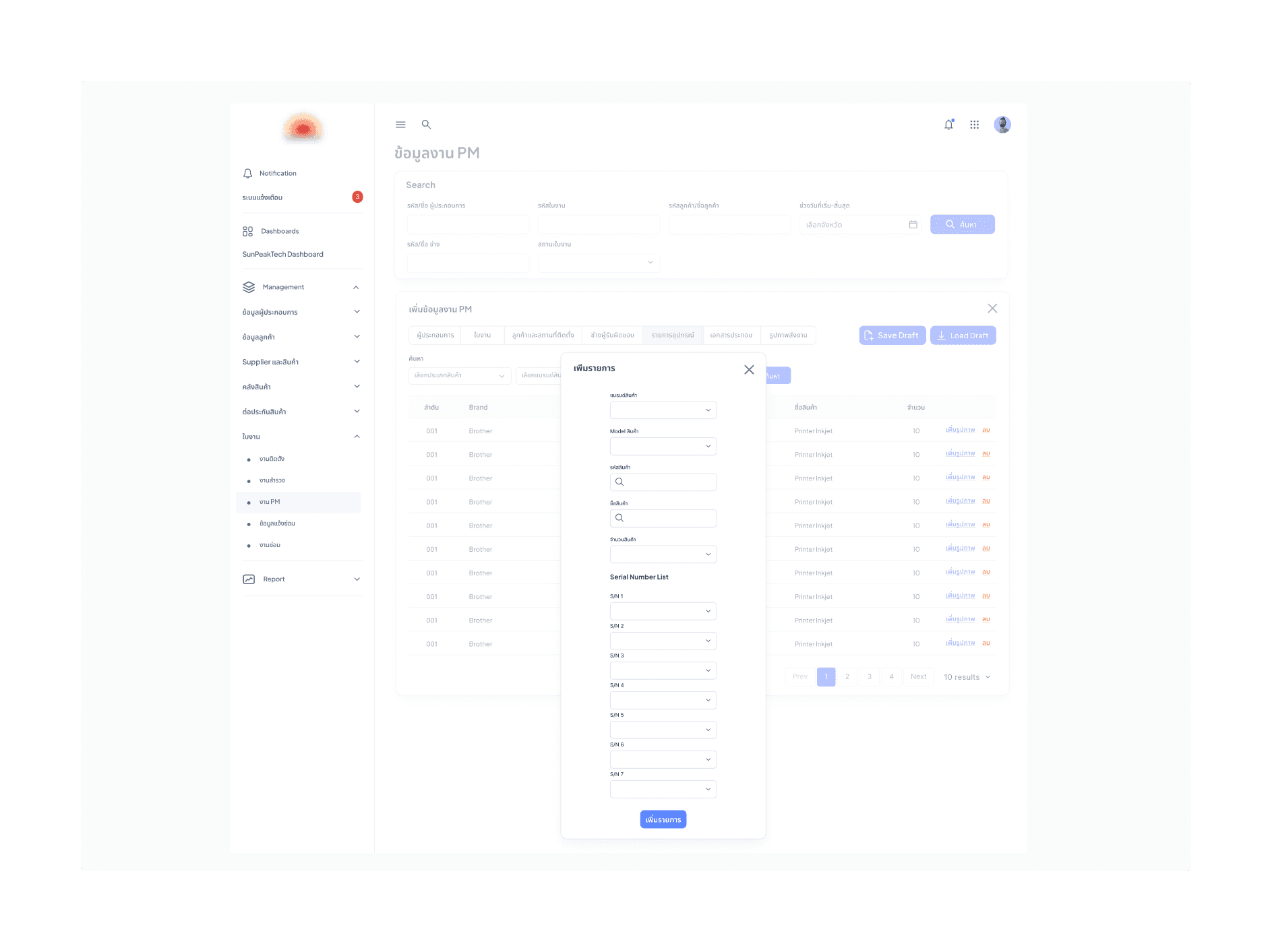
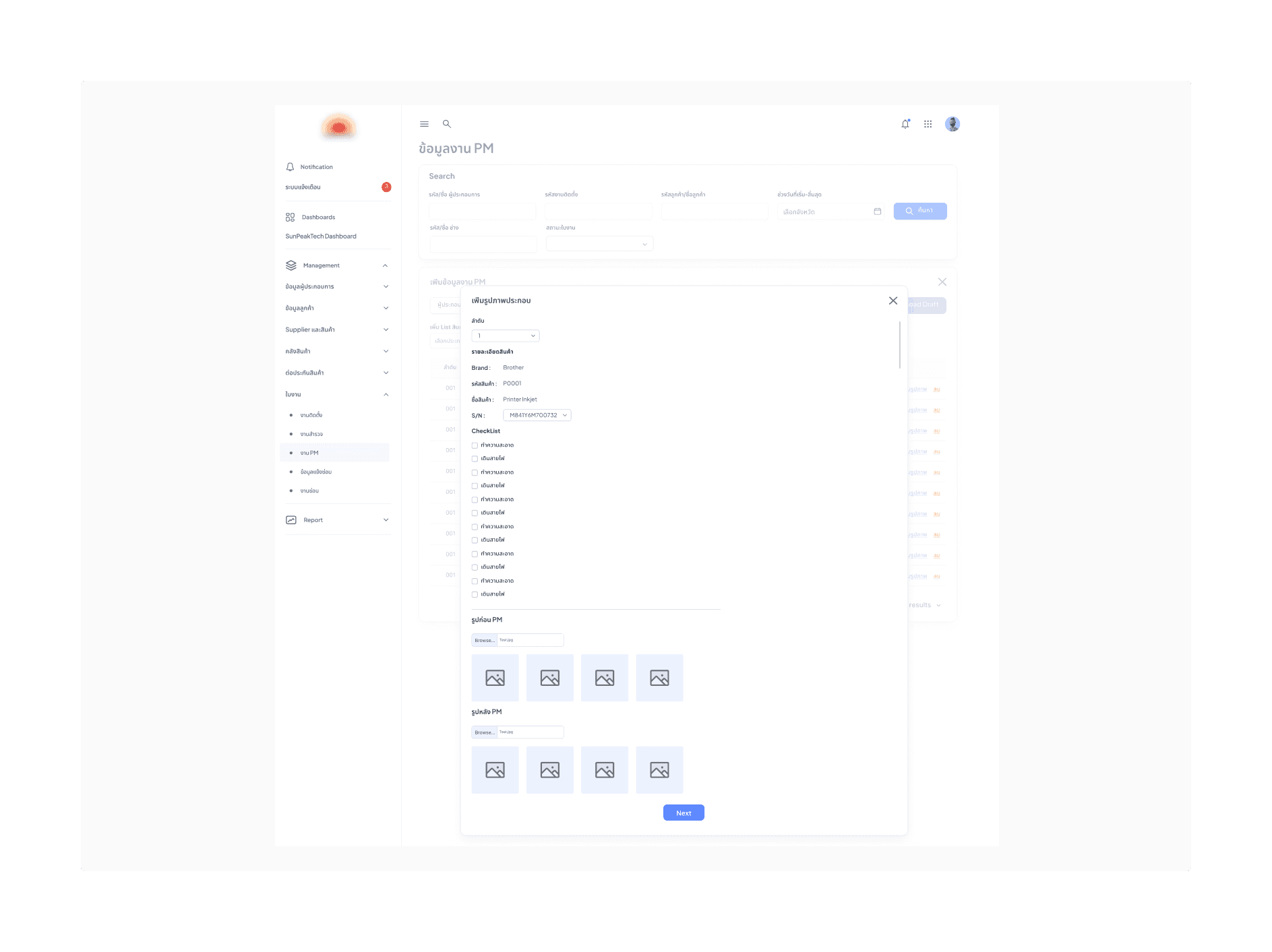
I created all the website pages mockups, incorporating the right design elements such as typography, color, iconography, and developed all the necessary components and elements.
The goal was to demonstrate the final NAD portals website in as much detail as possible.
Administrator portal:

Client's portal:

Mobile Application portal:






The project schematically :
Outcome
Now, finally, it remained to pay attention to several takeaways and plan some further steps.
Takeways
The series of hand-drawing frames that visually describe and explore a user's experience with a product.
Impact:
Our target users have described the design of the service portals as intuitive and user-friendly, allowing them to easily add, track, and check maintenance and installation results.
What I learned:
The most important takeaway for me is to always focus on the real needs of the users, especially technicians working in real-world field conditions.
Next Steps
The series of hand-drawing frames that visually describe and explore a user's experience with a product.
Identify any additional areas of sub-contractor and field staff needs.
Create a new version of the main service reporting dashboard for stakeholders.